
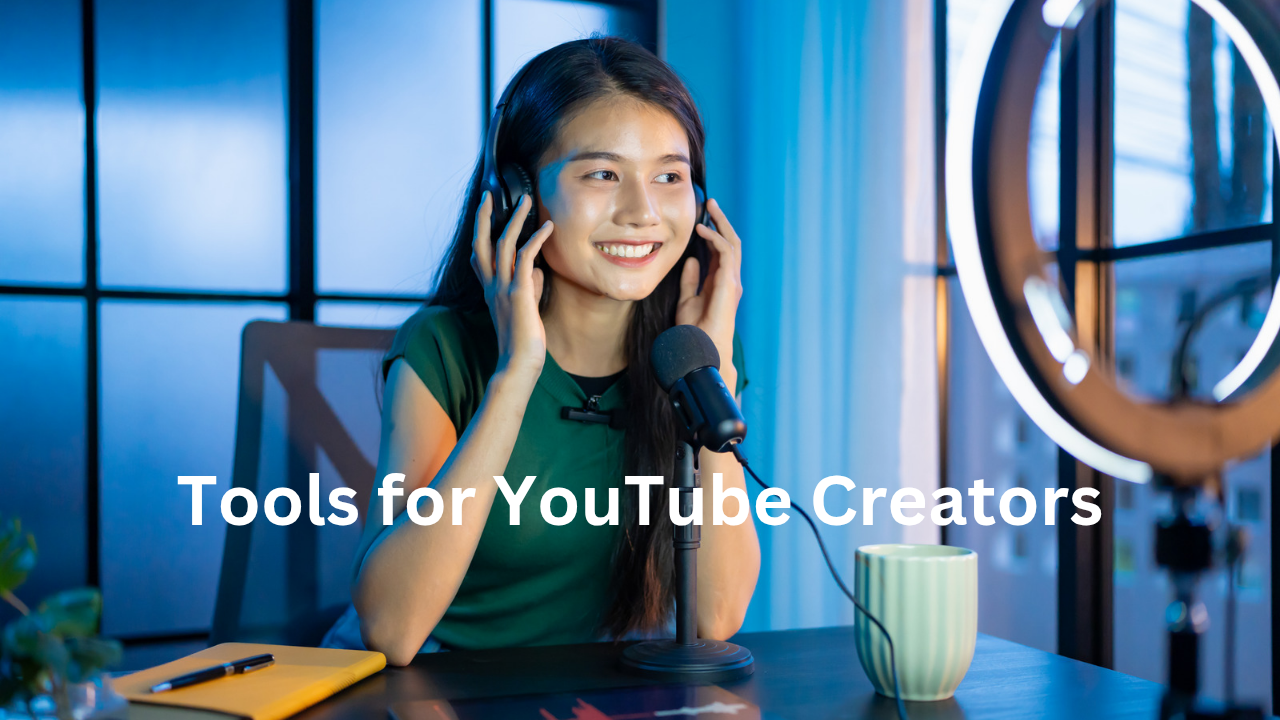
Starting a YouTube channel today is easier than ever. Growing one, however, is a completely different challenge.
Millions of videos are uploaded every day. Creators compete for attention, subscribers, and watch time. The difference between a channel that struggles and one that explodes often comes down to using the right tools.
Successful creators rarely rely on just talent or creativity. Behind every great video is a combination of research tools, editing software, AI assistants, thumbnail creators, and analytics platforms.
These Tools for YouTube Creators help them:
• Discover viral video ideas
• Edit videos faster
• Create professional thumbnails
• Optimize videos for search
• Track performance and grow subscribers
In short, they save time and multiply results.
In this ultimate guide, you will discover the best tools for YouTube creators in 2026 that professionals use to build successful channels.
Whether you are a beginner, content creator, educator, or entrepreneur, these tools can help you grow faster and create better videos.
Quick Overview: Best Tools for YouTube Creators
| Tool Category | Purpose |
| Video Editing Tools | Create high-quality videos |
| Thumbnail Tools | Design clickable thumbnails |
| SEO Tools | Rank videos on YouTube search |
| AI Script Tools | Generate video scripts |
| Analytics Tools | Track channel growth |
| Audio Tools | Improve sound quality |
| Research Tools | Find trending video topics |
1. Video Editing Tools for YouTube Creators
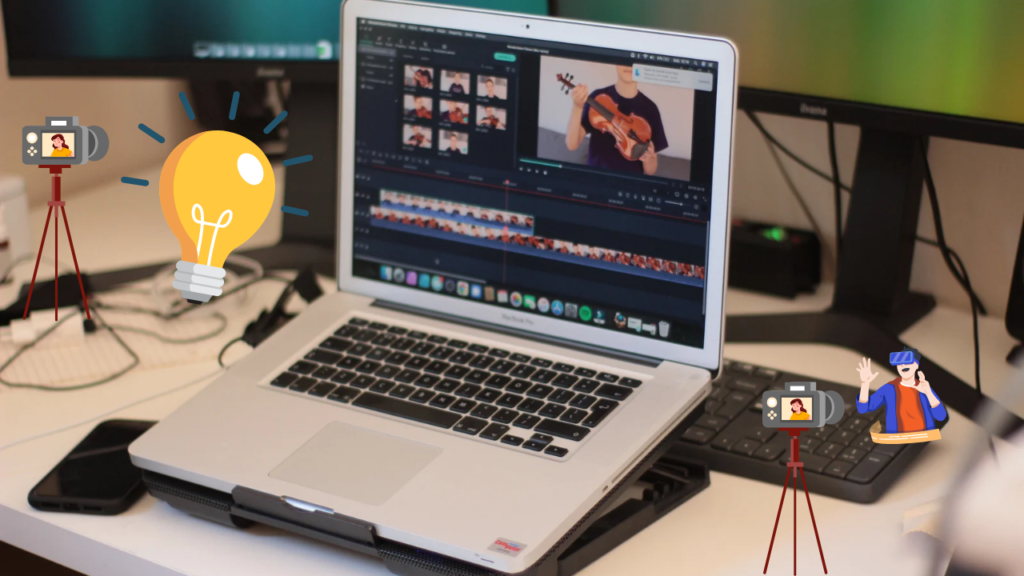
Editing is where raw footage becomes a professional video. These tools help creators add effects, transitions, and polish their content.
1. Adobe Premiere Pro
Adobe Premiere Pro is one of the most powerful editing tools used by professional YouTubers and filmmakers.
Key Features:
• Advanced editing timeline
• High-quality color grading
• Professional transitions and effects
• Multi-camera editing
Why creators love it:
It offers complete creative control over videos.
Best for: Professional YouTubers and advanced creators.
2. Final Cut Pro
Final Cut Pro is extremely popular among Mac users. It offers powerful editing features with incredible speed.
Key Features:
• Magnetic timeline
• Optimized for Mac performance
• 4K and 8K editing support
• Professional visual effects
Best for: Mac-based creators and filmmakers.
3. DaVinci Resolve
DaVinci Resolve is one of the best free video editing tools available today.
Key Features:
• Professional color grading
• Advanced editing tools
• Motion graphics
• Free version with powerful features
Best for: Creators who want professional editing without paying expensive software fees.
2. Thumbnail Creation Tools
A thumbnail is the first thing viewers notice. Even the best video can fail if the thumbnail is not clickable.
Great thumbnails increase click-through rate (CTR) dramatically.
4. Canva
Canva is one of the easiest tools for creating beautiful thumbnails.
Key Features:
• Drag-and-drop design
• YouTube thumbnail templates
• Stock images and icons
• Beginner-friendly interface
Best for: Beginners and creators who want quick designs.
5. Photoshop
Photoshop is widely used by professional designers and YouTubers.
Key Features:
• Advanced image editing
• Layer-based design
• Professional graphics tools
Best for: Creators who want highly customized thumbnails.
6. Snappa
Snappa is a simple graphic design tool specifically useful for social media creators.
Key Features:
• Fast thumbnail creation
• Pre-built templates
• Built-in stock photos
Best for: Quick thumbnail designs.
3. YouTube SEO Tools
If people cannot find your videos, they cannot watch them.
SEO tools help creators rank higher in YouTube search results.
7. TubeBuddy
TubeBuddy is one of the most popular YouTube growth tools.
Key Features:
• Keyword research
• Tag suggestions
• Thumbnail A/B testing
• SEO score analysis
Best for: Creators who want to optimize every video.
8. VidIQ
VidIQ helps creators discover viral topics and optimize content.
Key Features:
• Keyword research tools
• Competitor analysis
• Trending video insights
• Channel analytics
Best for: Growing YouTube channels quickly.
9. Morningfame
Morningfame is a powerful analytics and SEO tool designed specifically for YouTube.
Key Features:
• Keyword difficulty analysis
• Video ranking insights
• Channel growth tracking
Best for: Creators serious about YouTube SEO.
4. AI Tools for YouTube Creators
Artificial intelligence is changing the way YouTubers create content.
AI tools help generate scripts, ideas, titles, and even voiceovers.
10. ChatGPT
ChatGPT helps creators generate:
• Video scripts
• Video ideas
• YouTube titles
• Descriptions and tags
Why creators love it:
It speeds up the content creation process dramatically.
11. Jasper AI
Jasper AI is a powerful AI writing assistant.
Key Features:
• Long-form content creation
• Script generation
• Marketing copywriting
Best for: Professional creators and marketers.
12. Copy.ai
Copy.ai helps creators generate engaging content ideas quickly.
Key Features:
• Video title generation
• Script outlines
• Content brainstorming
Best for: Overcoming creative blocks.
5. Audio Tools for YouTube Videos
Poor audio quality can ruin even the best video.
These tools help creators produce clear and professional sound.
13. Audacity
Audacity is a powerful free audio editing tool.
Key Features:
• Noise removal
• Audio mixing
• Sound editing
Best for: Budget creators.
14. Adobe Audition
Adobe Audition provides professional audio editing.
Key Features:
• Advanced noise reduction
• Audio mastering
• Podcast editing
Best for: Professional YouTubers.
6. Screen Recording Tools
Screen recording tools are essential for tutorials, educational videos, and gaming channels.
15. OBS Studio
OBS Studio is a free and powerful screen recording software.
Key Features:
• Live streaming
• Screen recording
• Custom overlays
Best for: Streamers and tutorial creators.
16. Camtasia
Camtasia is widely used for creating educational videos.
Key Features:
• Screen recording
• Video editing
• Interactive elements
Best for: Online educators and teachers.
7. Music and Sound Effects Tools
Music adds emotion and energy to videos.
17. Epidemic Sound
A massive library of royalty-free music for creators.
Best for: High-quality background music.
18. YouTube Audio Library
Free music provided directly by YouTube.
Best for: Beginners.
8. Animation and Motion Graphics Tools
Animations make videos more engaging and professional.
19. After Effects
Used for advanced motion graphics.
20. Blender
Free 3D animation software.
9. Analytics Tools for YouTube Creators
Data helps creators understand what works and what doesn’t.
21. YouTube Studio
Official analytics platform for creators.
22. Social Blade
Track channel growth and statistics.
10. Research Tools for Video Ideas
Great videos start with great ideas.
23. Google Trends
Find trending topics.
24. AnswerThePublic
Discover questions people search online.
25. Reddit
Find trending discussions and ideas.
Tips to Choose the Right Tools
Not every creator needs every tool.
Focus on tools that help you:
• Save time
• Improve video quality
• Increase discoverability
• Grow your audience
Start simple, then upgrade as your channel grows.
Final Thoughts
YouTube success does not happen overnight.
Behind every successful channel is a creator who is constantly learning, improving, and experimenting.
The right tools can dramatically reduce the time it takes to produce great videos.
They help creators:
• Edit faster
• Find viral ideas
• Improve thumbnails
• Optimize for search
• Grow subscribers
If you are serious about building a successful channel, start exploring these tools for YouTube creators today.
The future of content creation is evolving rapidly and those who embrace powerful tools will always stay ahead.
Your next viral video might just begin with the right tool.
Read more: