
If you’ve spent any time around AI tools this year, you’ve probably run into the term “MCP” and wondered what it actually means. Maybe you saw it mentioned in a Claude Desktop settings menu, or a developer friend told you they were “building an MCP server” over the weekend. Either way, you’re not alone in feeling a little lost.
Model Context Protocol, or MCP, has quietly become one of the most important pieces of the AI agent world. It started as an Anthropic project in late 2024 and has since grown into a shared, multi-vendor standard used by companies like OpenAI, Google, and Microsoft. The protocol is now stewarded by the Agentic AI Foundation under the Linux Foundation, which tells you how far it’s come from a niche developer tool.
This MCP for Beginners guide is written for people who are just getting started. No prior coding background required, though a little curiosity about how AI tools connect to the outside world will help. By the end, you’ll understand what MCP actually is, how it’s different from a regular API, how MCP servers and tools work together, and how to take your first steps setting one up.
What Is MCP in AI, Exactly?
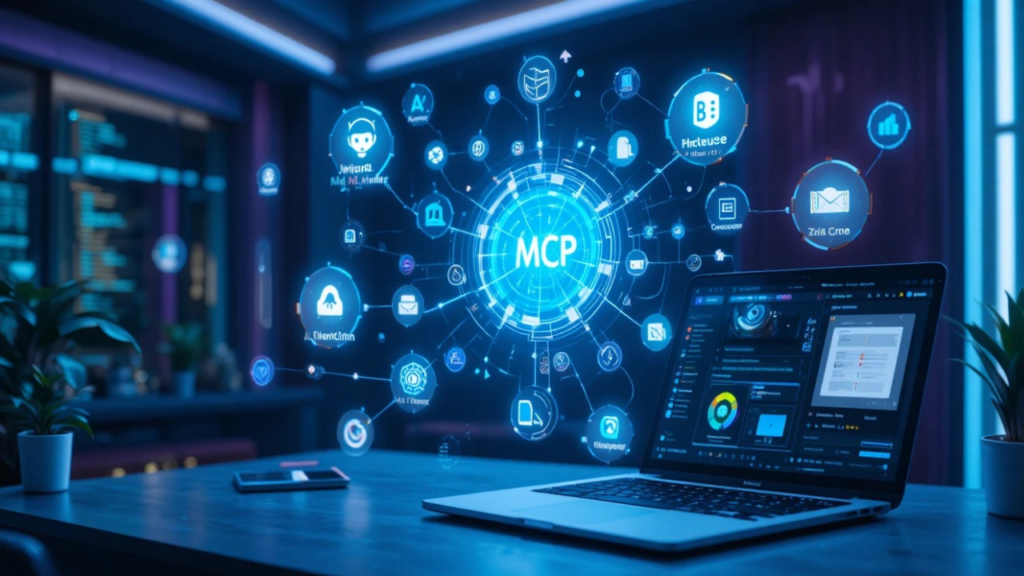
At its simplest, MCP is a standard way for AI models to talk to external tools, files, and services. Think of it as a universal adapter. Before MCP, if you wanted an AI assistant to check your calendar, pull a file from Google Drive, or query a company database, a developer had to write a custom integration for each one. That meant duplicated work across every AI platform and every tool.
MCP replaces that mess with one common protocol. A tool builder writes an MCP server once, and any MCP-compatible AI application, whether that’s Claude, a custom agent, or another platform, can use it without custom code. This is genuinely the simplest explanation of Model Context Protocol you’ll find: it’s the plumbing that lets an AI model reach outside its own head and interact with the real world in a structured, predictable way.
A helpful comparison is USB-C. Before USB-C, every device had its own charging cable and port. USB-C gave everyone one standard connector. MCP is trying to do the same thing for AI-to-tool communication.
Why MCP Exists
Large language models are powerful at reasoning and generating text, but on their own they’re isolated. They don’t know what’s in your inbox, your codebase, or your project management tool unless someone builds a bridge. MCP is that bridge, and it’s designed so the bridge only has to be built once per tool, not once per AI platform.
MCP for Beginners Explained: The Core Pieces
To really get how MCP works with AI agents, it helps to break it into its main building blocks.
MCP Hosts and Clients
The host is the application you interact with, like a chat app or an AI-powered code editor. Inside that host lives an MCP client, which is the piece of software responsible for actually connecting to MCP servers and managing the conversation between the model and the outside tools.
MCP Servers
An MCP server exposes a specific set of capabilities. It might connect to a database, a file system, a web search engine, or a company’s internal software. Servers advertise what they can do, and the client discovers and uses those capabilities on demand.
Tools, Resources, and Prompts
MCP servers expose three main types of capabilities:
- Tools – actions the AI model can perform, like sending an email or running a calculation
- Resources – data the model can read, like a file or a database record
- Prompts – reusable instruction templates the server can offer to guide how the model uses it
Transport and Communication
Behind the scenes, MCP communicates using JSON-RPC messages over a transport layer. Early on, most MCP servers ran locally on your machine. Since then, Streamable HTTP became the standard way to run MCP servers remotely as hosted services rather than local processes, which is part of what’s fueled MCP’s growth into enterprise settings.
It’s worth knowing that the protocol itself is still evolving quickly. A major spec revision is scheduled to finalize on July 28, 2026, and it moves the protocol core toward a fully stateless design so MCP servers can scale more easily behind standard load balancers, alongside new capabilities like interactive server-rendered interfaces and better support for long-running tasks. None of that changes what MCP is for beginners, but it’s a sign the standard is maturing fast rather than sitting still.
MCP vs API: What’s the Real Difference?
This is one of the most common points of confusion, so let’s clear it up directly.
A traditional API is built for one specific service and usually requires custom code to integrate. If you want your app to talk to ten different APIs, you write ten different integrations, each with its own authentication, formatting, and documentation to learn.
MCP is a protocol layer that sits on top of that idea, but standardizes it specifically for AI models. Instead of an AI developer writing custom glue code for every tool their assistant might need, they connect to MCP servers that already speak a common language the AI understands.
Here’s a simple way to think about the MCP vs API question:
- An API is a doorway into one specific building.
- MCP is a standardized set of doors, hallways, and signage that works the same way across every building.
APIs aren’t going away. In fact, MCP servers are often built as a wrapper around an existing API. MCP just makes that API accessible to AI agents in a consistent, discoverable way, without the AI model needing to know the specifics of each underlying service.
How MCP Works With AI Agents
AI agents are systems that can take multiple steps, use tools, and make decisions along the way rather than just answering a single question. MCP is what gives these agents hands and eyes beyond their training data.
Here’s a simplified walkthrough of how MCP works with AI agents in practice:
- The user asks the AI agent to do something, like “find last week’s sales numbers and summarize them.”
- The AI agent, through its MCP client, checks which connected MCP servers have relevant tools.
- The agent calls the appropriate tool, for example a database query tool exposed by a connected MCP server.
- The MCP server executes the request and returns structured data to the agent.
- The AI model reads that data and generates a helpful, human-readable summary for the user.
This loop can repeat many times in a single conversation, with the agent pulling from multiple MCP servers, chaining tool calls together, and building toward a final answer. This is the foundation of what people mean when they talk about an AI agent communication protocol: a shared language that lets an agent orchestrate many tools smoothly instead of juggling incompatible integrations.
MCP Servers for Beginners: Getting Started
You don’t need to be a professional developer to start experimenting with MCP, though basic comfort with installing software will help.
Step 1: Choose an MCP-Compatible App
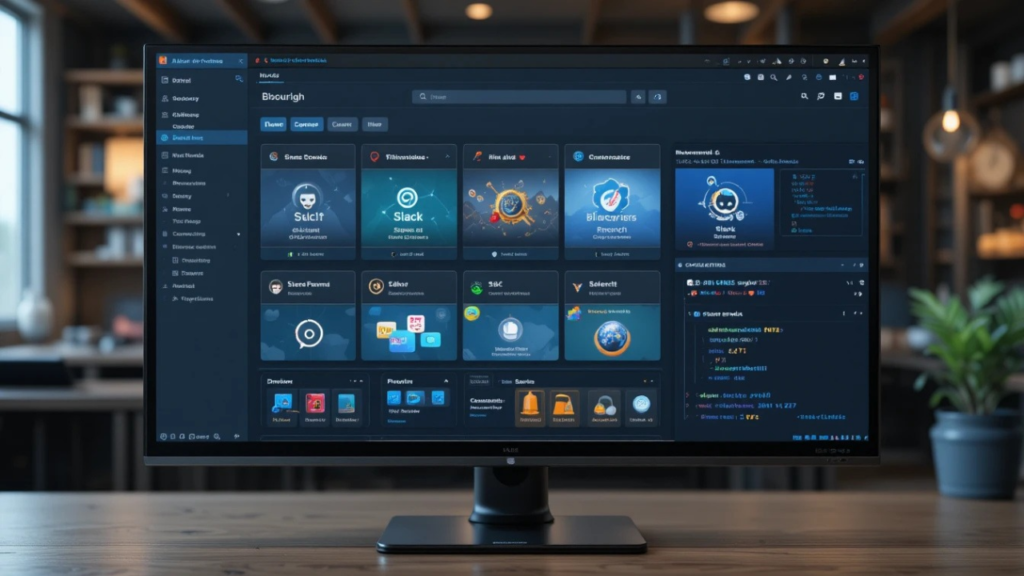
Start with an application that already supports MCP, such as Claude Desktop or Claude Code. These apps let you connect MCP servers through a settings menu without needing to write your own client from scratch.
Step 2: Pick a Server to Connect
There’s now a large and growing ecosystem of public MCP servers covering things like file systems, GitHub, Google Drive, Slack, databases, and cloud platforms. Community registries like the official MCP registry, Glama, and MCP.so list thousands of available servers you can browse by category.
For a first project, pick something practical and low-risk, like a file system server that lets your AI assistant read and organize local files, or a web search server.
Step 3: Install and Configure
Most MCP servers are installed with a package manager command and a short configuration snippet that tells your host application how to launch the server. You’ll typically add a small JSON configuration block naming the server and, if needed, any API keys it requires.
Step 4: Test With a Simple Task
Once connected, test the server with a low-stakes request. If you connected a file system server, ask the assistant to list files in a folder. If you connected a search server, ask it a question that requires current information. Watching the tool call happen in real time is a great way to build intuition for how the whole system fits together.
Step 5: Explore MCP Examples From the Community
Reading through open-source MCP servers on GitHub is one of the fastest ways to understand real-world patterns. Look at how tools are defined, how inputs are validated, and how responses are structured. Many repositories include beginner-friendly documentation specifically written to help newcomers get oriented.
Build AI Agents With MCP: A Beginner’s Roadmap
Once you’re comfortable connecting existing MCP servers, the natural next step is building your own, whether that’s for a personal project, a small business tool, or a proof of concept at work.
A basic MCP implementation guide for your first server usually looks like this:
- Define the problem. What specific task should your server help an AI agent complete? Keep the first version narrow.
- Choose an SDK. Official SDKs exist for languages including TypeScript, Python, and others, each with quick-start templates.
- Define your tools. Each tool needs a clear name, description, and input schema so the AI model understands when and how to use it.
- Handle authentication carefully. If your server touches sensitive data, follow current authorization best practices, since this is an area the protocol itself has been actively strengthening.
- Test locally, then deploy. Local testing catches most issues early. When you’re ready for others to use your server, remote hosting via Streamable HTTP is the standard approach.
Security deserves a special mention here. As MCP has moved from personal experiments into business-critical systems, security researchers have flagged new risks tied to areas like session handling and resource-hungry tasks initiated without proper checks. If you’re building anything beyond a hobby project, treat data coming from clients as untrusted, add reasonable limits on resource use, and keep an eye on the official specification for guidance as it matures.
Common Pain Points for MCP Beginners
A few sticking points come up again and again for people new to the protocol:
“Do I need to know how to code?” Using existing MCP servers through an app like Claude Desktop requires no coding at all. Building your own server does require basic programming skills, but the official SDKs are designed to get a working prototype running quickly.
“Is MCP the same as function calling?” Not exactly. Function calling is a feature of a specific model that lets it request an action. MCP standardizes how that request gets routed to real tools across different servers and platforms, rather than being tied to one vendor’s implementation.
“Which MCP server should I try first?” Start with something you already use daily, like a file system, note-taking app, or code repository. Familiar tools make it easier to notice when something isn’t working as expected.
“Is MCP secure?” MCP itself is a protocol, not a guarantee of safety. Security depends heavily on how individual servers are built and configured, and the community and maintainers have been actively working on stronger authorization and audit standards as adoption grows.
Frequently Asked Questions
What is MCP in simple terms?
MCP, or Model Context Protocol, is an open standard that lets AI models connect to external tools, data, and services using one consistent method, instead of custom integrations for every single tool.
Who created MCP?
Anthropic introduced MCP in November 2024. It has since been donated to the Agentic AI Foundation under the Linux Foundation, making it a multi-vendor open standard rather than a single-company project.
Is MCP only for Claude?
No. While Anthropic created it, major AI platforms including OpenAI, Google, and Microsoft now support MCP in various forms, and the broader developer ecosystem has built thousands of public MCP servers.
What’s the difference between an MCP tool and an MCP server?
An MCP server is the running program that exposes capabilities. Tools, resources, and prompts are the specific capabilities that a server offers to an AI client.
Do I need special hardware to run an MCP server?
No. Most MCP servers run comfortably on a standard laptop for local use, and can be hosted remotely on ordinary cloud infrastructure when you’re ready to scale beyond personal experiments.
Final Thoughts and Next Steps
MCP has moved fast, from a new idea in late 2024 to a foundational, cross-vendor standard shaping how AI agents interact with the world in 2026. For beginners, the good news is that you don’t need to understand every technical detail to get real value out of it today. Start by connecting one MCP server to an app you already use, watch how it behaves, and build your understanding from there.
If you’re ready to go deeper, try installing your first MCP server this week, whether that’s a file system tool or a search connector, and see firsthand how your AI assistant becomes noticeably more capable once it has real tools to work with. Bookmark the official MCP documentation and community registries so you can keep exploring new servers as the ecosystem continues to grow.
Related article:
AI gaming challenges

Founder of Aivexify
Himanshu Deora is an AI tools researcher and digital publisher who tests AI software, automation tools, and emerging technology trends and AI content creator passionate about sharing helpful guides, AI tools, software tutorials, and the latest digital trends. Through Aivexify, he helps readers discover smart technology, productivity tools, and practical online resources in a simple and easy-to-understand way.