
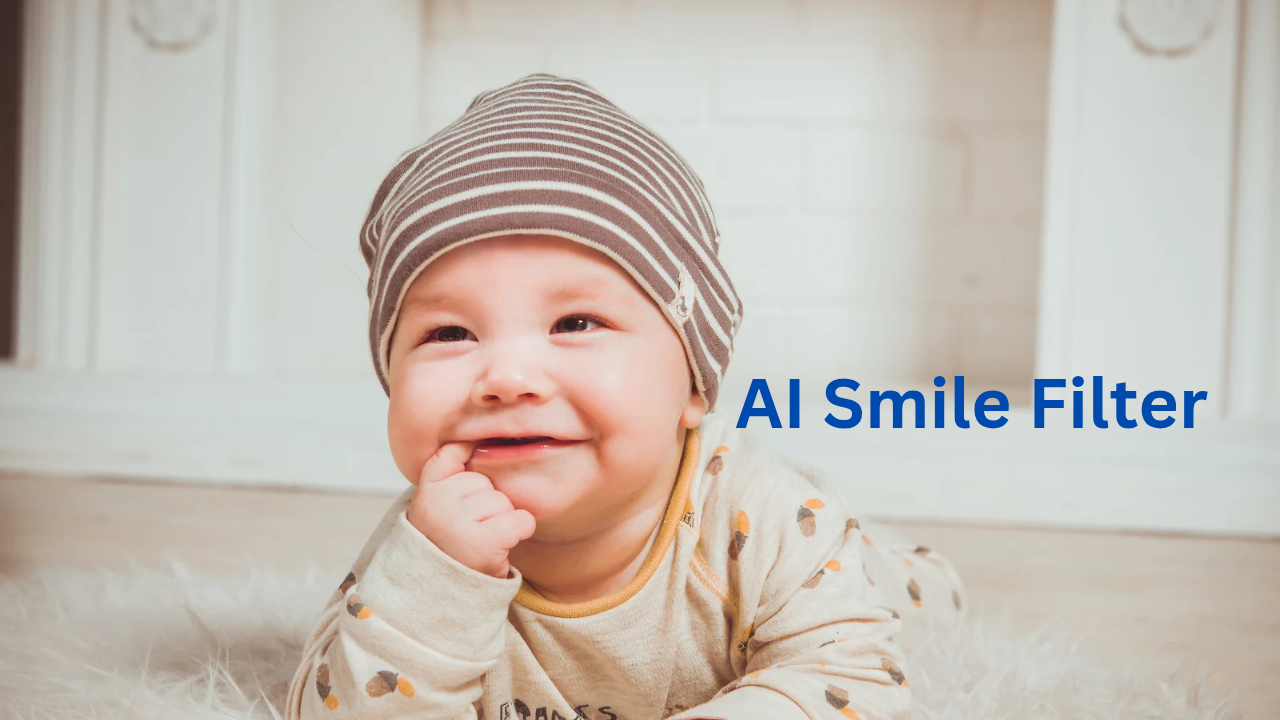
Ever snapped a photo during a special moment maybe a family reunion or a big career milestone only to notice later that your expression looks a bit too serious? That neutral face or tiny frown can suck the life right out of an otherwise fantastic shot.
I’ve been there, and so have millions of others. That’s exactly why AI smile filters have exploded in popularity this year. These smart tools instantly add a warm, believable smile to any photo, turning “meh” into “wow” without making you look like a cartoon or plastic doll.
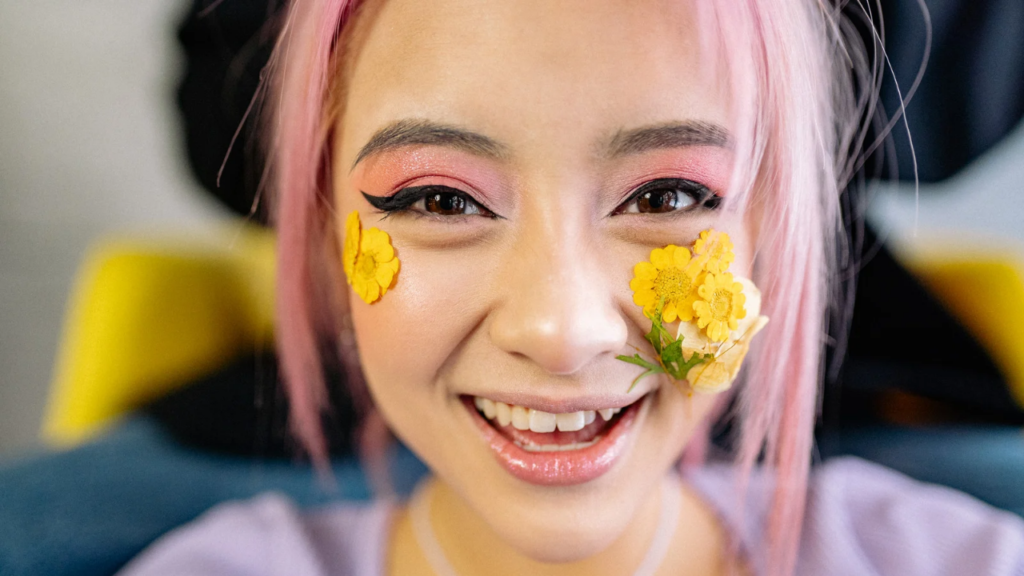
Unlike the clunky filters from a few years back, today’s AI-powered smile enhancers use advanced tech to read your face, lighting, and skin details, then craft an expression that feels completely natural.
Whether you’re polishing a LinkedIn headshot, rescuing vacation selfies, or boosting your Instagram game, these tools deliver results that actually feel authentic. And the best part? You don’t need Photoshop skills or hours of editing.
In this in-depth guide I’ll walk you through everything: how these smile AI tools actually work, which ones stand out in 2026, real-world perks backed by research, the ethical side of things, and practical tips to get flawless results every time. I’ve dug into the latest tools, tested them myself where possible, and pulled in fresh studies so you get honest, up-to-date advice. No fluff just the info you need to decide if an AI smile editor belongs in your workflow.
Why Smiles Matter More Than You Think (And How AI Is Stepping In)
Let’s start with the science, because it’s fascinating. Smiles aren’t just pretty they’re powerful signals. Research shows that even a subtle, posed smile can lift your mood and make others see you as more approachable, trustworthy, and attractive.
One Stanford study found that mimicking a smile (even if you’re faking it at first) genuinely boosts happiness levels. Another recent paper confirmed that portraits with a gentle smile score higher in aesthetic appeal and emotional warmth.
Now imagine applying that boost to any photo after the fact. That’s the magic of modern smile transformation AI. These tools don’t just slap on a generic grin they analyze dozens of facial landmarks (mouth corners, cheek lift, eye crinkles) and blend everything seamlessly with your original lighting and texture.
The result? A smile that looks like it was there all along.
Demand has skyrocketed for good reason. Social media algorithms reward positive, engaging visuals. Professionals use them for better job prospects. Families save imperfect memories. And content creators notice higher click-through rates on thumbnails that radiate joy.
In 2026, with AI more accessible than ever, adding a natural smile has become as simple as uploading a picture.
Behind the Scenes: How AI Smile Filters Actually Work
If you’re the curious type (like me), you’ll want to know what’s happening under the hood. Most top AI smile generators follow a similar smart process:
- Face Detection & Landmark Mapping – The AI quickly identifies your face and pinpoints 68+ key points: lip shape, jawline, eye position, and more. It uses convolutional neural networks (CNNs) trained on millions of real faces.
- Expression Analysis – It compares your current neutral or serious look against huge datasets of genuine smiles. Generative models like GANs (Generative Adversarial Networks) or diffusion models then predict exactly how your features should shift for a natural grin.
- Seamless Blending – The system adjusts lip curvature, adds subtle cheek lift, brightens teeth if you want, and even tweaks eye sparkle while perfectly matching shadows, skin pores, and lighting. No weird mismatches.
- User-Friendly Tweaks – You control intensity with sliders or simple prompts like “soft warm smile” or “big joyful grin.” The final output stays high-resolution and realistic.
Tools like HitPaw FotorPea or Evoto AI take this even further, offering batch processing for multiple photos or even turning static smiles into short animations. The tech has come so far that results often fool friends and family unless you tell them.
The Top AI Smile Filters Worth Trying in 2026
After comparing usability, realism, speed, pricing, and versatility, here are the standouts. I focused on tools that deliver natural results without over-processing.
HitPaw FotorPea – Often called a top all-rounder for good reason. Upload your photo, select the smile option, and it handles everything in one click. It preserves your unique features while adding believable expression. Great for batch edits and even creating GIFs from smiling shots. Perfect if you want pro-level results without the hassle.
Media.io AI Smile Filter – Best free online option for quick fixes. No downloads needed just drag and drop. It analyzes your face and adds a lifelike smile with optional teeth whitening. Super beginner-friendly and mobile-ready. Many users love how fast and natural the output looks.
YouCam Enhance – Excellent for detailed selfie makeovers. Its AI Replace feature lets you brush over the mouth area and type “smile” for instant, realistic results. It also handles skin smoothing and blemish removal in the same pass. Ideal for dating profiles or beauty content.
Evoto AI Smile Filter – A favorite among photographers. One-click natural smiles plus precise controls for lip shape, teeth, and expression intensity. Works beautifully on group shots and portraits. Desktop-focused but worth it for serious users.
FaceApp – Still going strong with versatile smile options (subtle, wide, closed-mouth). Pairs well with other edits like age or hairstyle changes. Fast and realistic, though some features require the paid version.
Fotor AI Smile Enhancer – Simple and effective for everyday edits. Combines smile adjustment with background blur or face reshaping. Free tier gives solid previews before committing.
Facetune – Mobile-first with intuitive sliders for smile intensity and cheek lift. Great for polished influencer-style photos.
Pixelbin Smile Generator – Free and no-login for basic use. Delivers clean, high-res results with natural curves. Solid budget pick.
Here’s a quick comparison to help you choose:
| Tool | Best For | Free Tier Quality | Realism (out of 10) | Pricing (Pro) | Standout Feature |
| HitPaw FotorPea | All-around editing | Excellent | 9.5 | Subscription | Batch + GIF creation |
| Media.io | Quick online fixes | Very Good | 9.0 | $6.99/mo | No download needed |
| YouCam Enhance | Selfies & beauty | Good | 9.2 | $5.99/mo | Text-prompt editing |
| Evoto AI | Professional portraits | Good | 9.4 | One-time options | Precise lip control |
| FaceApp | Creative experiments | Fair | 8.8 | Subscription | Multiple expression types |
Real Benefits That Go Beyond Pretty Pictures
Using these tools isn’t just about vanity. Enhanced smiles can genuinely improve how the world sees you and even how you feel. Professionals report more interview callbacks with approachable headshots. Families cherish “rescued” photos from tough lighting days. Creators see better engagement when thumbnails show genuine joy.
Psychologically, viewing yourself smiling more often can create a positive feedback loop. Studies link even artificial smiles to improved mood and memory for happy events. For businesses, it means higher conversion rates on marketing images.
And for personal use? It’s about preserving authentic moments without the stress of retakes.
The Honest Downsides and Ethical Side of AI Smiles
No technology is perfect, and these tools come with caveats. Overuse can lead to uncanny results if you push intensity too far. More importantly, there’s the bigger conversation around authenticity.
When does a helpful edit cross into misleading territory? Deepfake concerns are real especially as AI gets better at mimicking real people.
Always disclose heavy edits in professional or commercial contexts. Choose tools with strong privacy policies (many process images locally now). And remember: the goal is enhancement, not deception.
The best smile AI editors let you reverse changes easily and include subtle watermarks for transparency when needed.
Step-by-Step: Getting the Most from Any AI Smile Tool
Ready to try one? Here’s a foolproof process:
- Pick the Right Tool – Quick online fix? Go Media.io. Pro editing? Try HitPaw or Evoto.
- Start with Quality Input – Use well-lit, high-resolution photos. Front-facing works best.
- Apply the Magic – Upload, select smile level (start subtle—20-40% intensity often looks most natural), and refine with any sliders or prompts.
- Double-Check Details – Zoom in on skin texture, eye shadows, and teeth. They should match the original.
- Export and Test – Download in high-res and view on phone, laptop, and print if needed.
Pro tip: Combine with teeth whitening for extra polish, but keep it light to avoid fake-looking results.
What’s Next for AI Smile Technology?
By the end of 2026 and beyond, expect even smarter features: real-time video call smile filters, AR glasses integration, and models trained on your personal expressions for ultra-custom results.
Ethical watermarks and privacy-first processing will likely become standard. The line between “edited” and “original” will blur further, making thoughtful use even more important.
Q: Are AI smile filters free?
Many offer solid free tiers (Media.io, Pixelbin), though pro features usually require a small subscription.
Q: Do they work on group photos?
Yes—top tools like Evoto and HitPaw handle multiple faces well.
Q: Will the results look fake?
With moderate settings and good input photos, results are impressively natural in 2026.
Q: Is it ethical to use them?
For personal or disclosed creative use, absolutely. Just be transparent in professional contexts.
Wrapping It Up: Why You Should Try an AI Smile Filter Today
Photos capture moments, but smiles capture emotion. In 2026, AI smile filters give everyone an easy, affordable way to bring more positivity into their images without sacrificing realism. From free browser tools like Media.io to powerful editors like HitPaw FotorPea, the options are better than ever.
Whether you’re fixing one awkward selfie or building a whole portfolio of radiant shots, these tools can genuinely elevate your visual story. They boost confidence, improve engagement, and most importantly let you keep memories that actually reflect the joy you felt in the moment.
Go ahead and experiment with one of the tools we covered. Upload a neutral photo and watch the transformation. You might be surprised how much better you (and your audience) feel seeing that natural smile.
Drop your before-and-after results in the comments I’d love to hear what worked for you. And if you found this guide helpful, share it with friends who are tired of “almost-perfect” pics.
Smiles are contagious. Thanks to AI, spreading them has never been easier or more realistic.
Ready to transform your photos?
Try one of the AI smile filters mentioned above and see the difference yourself. Start with a simple photo, apply a subtle smile, and watch how it instantly boosts warmth and engagement.
If you found this guide helpful, share it on Pinterest or with friends and don’t forget to bookmark it for future edits.
Musician Photoshoot Ai with Own Face
How to get 100$ a Day Online

Founder of Aivexify
Himanshu Deora is an AI tools researcher and digital publisher who tests AI software, automation tools, and emerging technology trends and AI content creator passionate about sharing helpful guides, AI tools, software tutorials, and the latest digital trends. Through Aivexify, he helps readers discover smart technology, productivity tools, and practical online resources in a simple and easy-to-understand way.