
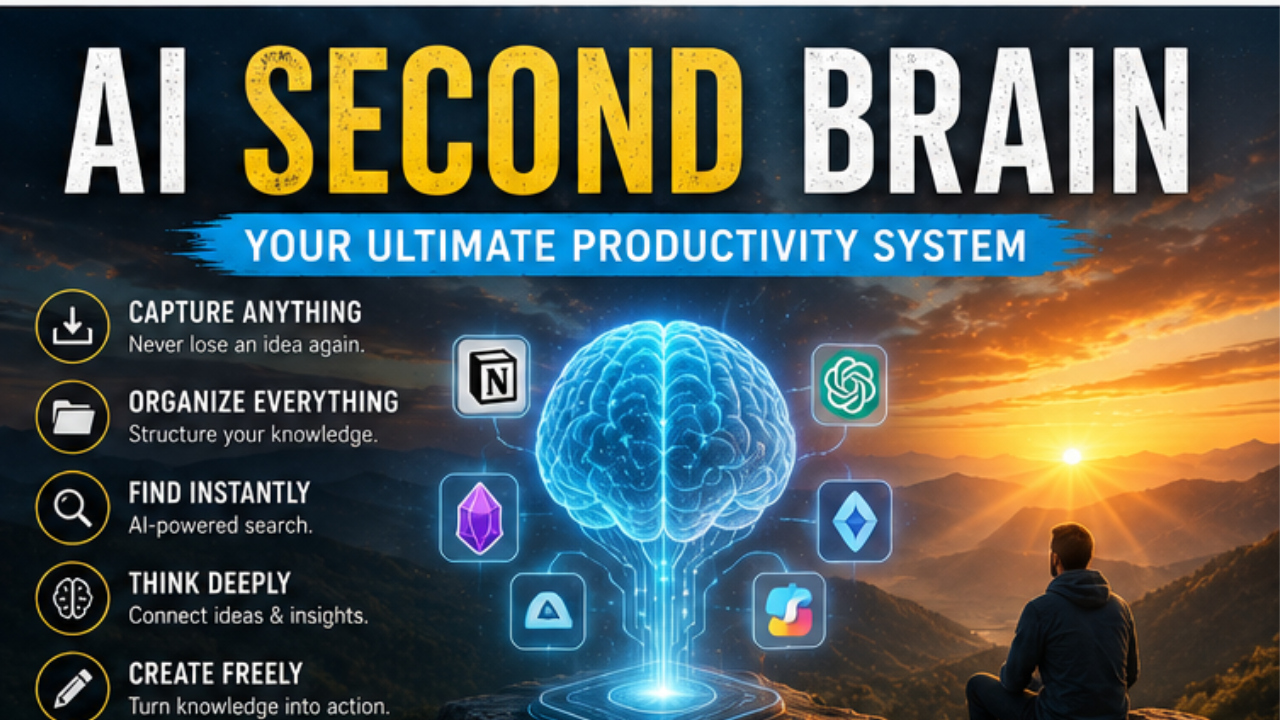
You’ve been there. A great idea pops into your head during a meeting, you jot it down somewhere — a sticky note, a random doc, maybe a voice memo — and two weeks later, it’s gone. Not because you forgot it, but because you buried it.
This is the problem millions of knowledge workers, students, and creators face every day. Information overload is real, and our biological brains simply weren’t built to manage the sheer volume of content we consume in the digital age.
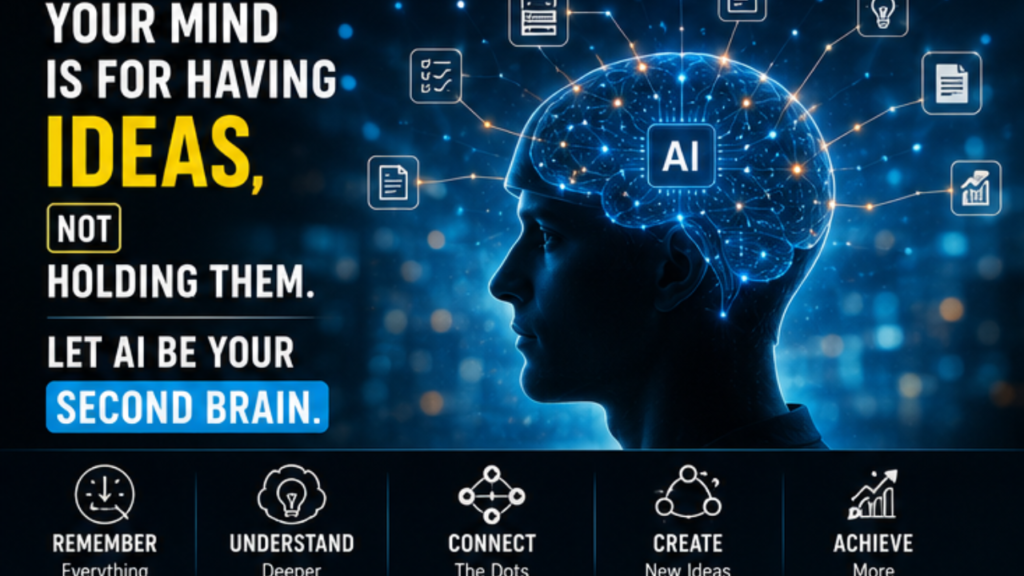
That’s where the concept of a second brain comes in — and AI has made it smarter, faster, and more powerful than ever before.
In this guide, you’ll learn exactly what an AI second brain is, why it’s become one of the most talked-about productivity systems in 2026, which tools actually deliver results, and how to build one that works for your specific life and workflow. Whether you’re a researcher, entrepreneur, student, or just someone trying to stay organized, this is the system that changes everything.
What Is an AI Second Brain? (And Why You Need One)
The “second brain” concept was popularized by productivity expert Tiago Forte, who described it as an external, digital system for capturing and organizing knowledge so your biological brain is free to think creatively and solve problems — instead of trying to remember everything.
An AI second brain takes that idea several steps further. It doesn’t just store information passively. It actively connects ideas, surfaces relevant notes at the right moment, summarizes long documents, answers questions from your own knowledge base, and automates the tedious parts of information management.
💡 Think of it this way: your regular second brain is a library. Your AI-powered knowledge base is a library with an expert librarian who has read every book, remembers every conversation you’ve ever had, and can hand you exactly what you need before you even finish asking the question.
The difference is speed, context, and intelligence.
Why 2026 Is the Tipping Point
AI tools have matured significantly. Large language models are now deeply integrated into note-taking apps, search tools, and workflow platforms. The result is a new generation of AI knowledge management tools that are genuinely useful for everyday people — not just tech enthusiasts.
If you’re still managing information the old way — folders, tags, manual linking — you’re leaving enormous amounts of time and insight on the table.
The Core Components of a Powerful AI Second Brain
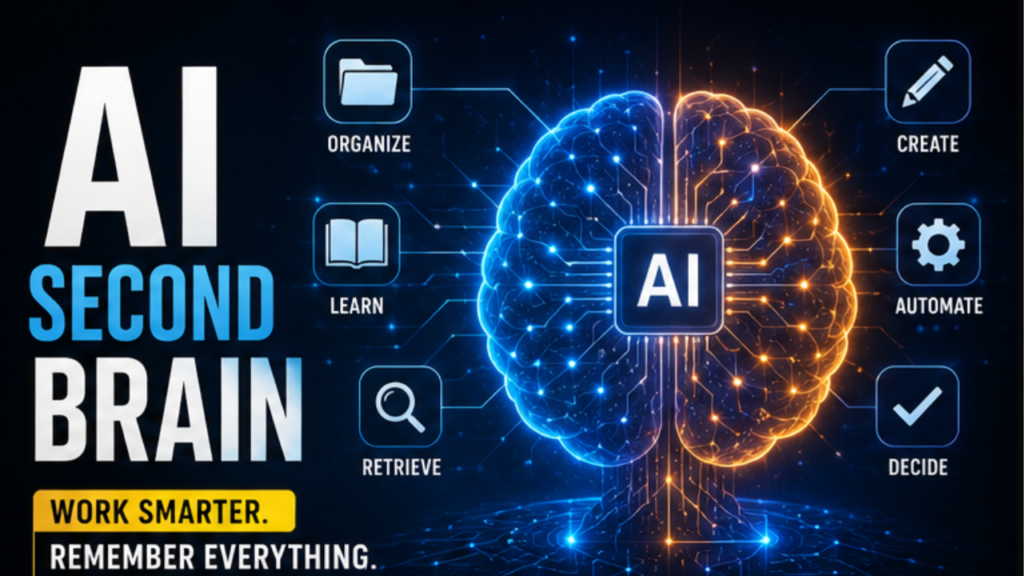
Before picking tools, it helps to understand what a well-designed AI knowledge system actually does. There are four core functions every effective system needs to handle.
1. Capture — Getting Information In Effortlessly
The best system in the world is useless if you don’t feed it. Your AI second brain needs to make capture frictionless. That means browser extensions that clip articles in one click, voice-to-text for ideas on the go, automatic email and meeting note syncing, and integrations with the apps you already use.
If capturing a thought takes more than ten seconds, you’ll stop doing it.
2. Organize — Structure That Builds Itself
Manual tagging and filing is where most note-taking systems die. You spend more time organizing than actually using your knowledge. The best AI note-taking systems now auto-classify incoming content, suggest tags, identify connections between notes, and cluster related ideas — without you lifting a finger.
3. Retrieve — Finding Exactly What You Need, Fast
Traditional search relies on you remembering the right keyword. AI-powered retrieval understands meaning. You can ask “what did I learn about pricing strategies last month?” and get a relevant, synthesized answer — even if you never used those exact words when you captured the note.
This is semantic search, and it’s a genuine game-changer for personal AI assistant functionality in knowledge management.
4. Create — Turning Knowledge Into Output
The ultimate goal isn’t to have a beautiful library of notes. It’s to use what you know. Great AI second brain tools help you draft content, generate summaries, extract action items, and connect insights across different projects — turning your stored knowledge into real work output.
Best AI Second Brain Tools in 2026
There’s no single perfect tool for everyone, but here are the platforms that consistently stand out for building a serious AI productivity system.
Notion AI
Notion has long been a popular AI knowledge management platform, and its AI layer makes it considerably more powerful. You can ask questions across your entire workspace, auto-generate summaries of pages, fill in databases with AI assistance, and create content directly from your notes.
It’s especially strong for teams and people who already live inside Notion. The AI feels native, not bolted on.
Best for: All-in-one workspace users, small teams, project-heavy workflows.
Obsidian + AI Plugins
Obsidian is a markdown-based AI note-taking tool built around the idea of a personal knowledge graph. On its own it’s already one of the best tools for building a digital second brain — every note links to others, creating a web of connected ideas you can visualize and explore.
With AI plugins like Smart Connections, Obsidian gains semantic search, AI-generated summaries, and the ability to chat with your notes. Because everything lives locally, it’s also an excellent choice for privacy-conscious users.
Best for: Power users, writers, researchers, privacy-focused individuals.
Mem
Mem describes itself as the world’s first self-organizing workspace. You drop information in — notes, ideas, meeting takeaways — and Mem’s AI learns your patterns, automatically surfaces relevant content, and connects related thoughts over time.
It’s one of the most genuinely AI-native tools in this space and requires very little deliberate organization on your part. That makes it ideal for people who have tried other systems and consistently failed at the maintenance phase.
Best for: People who hate organizing, fast-moving professionals, idea-heavy creators.
NotebookLM by Google
If you work with large documents — research papers, reports, transcripts — NotebookLM is outstanding. You upload your sources and it creates an AI research assistant that only draws from your specific materials. You can ask questions, generate summaries, and explore connections without the AI fabricating information from the broader internet.
For students, academics, and anyone doing deep research, this is arguably the most focused and reliable AI knowledge assistant tool available right now.
Best for: Students, researchers, analysts, anyone processing dense documents.
Reflect
Reflect is a newer entrant that combines beautiful design with genuinely smart AI features. It connects to your calendar, integrates with Kindle highlights, and uses AI to help you find patterns across your notes over time. The daily note feature combined with AI summaries makes it particularly useful for people who want to journal and build knowledge simultaneously.
Best for: Thinkers, journalers, people who want elegant simplicity.
How to Build Your AI Second Brain: A Step-by-Step Approach
Choosing a tool is only the beginning. Here’s a practical framework for building a system that actually sticks.
Step 1: Define Your Use Cases
Before you set anything up, get clear on what you actually need. Are you capturing research for a business? Managing client projects? Writing content? Learning new skills? Your use case shapes every decision that follows.
A freelance writer’s AI knowledge system will look very different from a startup founder’s or a PhD student’s.
Step 2: Start With One Capture Habit
Don’t try to migrate everything at once. Pick one type of content you capture regularly — articles you read, meeting notes, book highlights — and set up your system to handle just that. Build the habit first. Expand later.
Step 3: Set Up Automated Inputs
The real leverage in an AI workflow automation setup comes from integrations. Use tools like Zapier or Make to automatically send emails, bookmarks, or highlights into your second brain. Connect your calendar so meeting notes land there automatically. The more you can automate intake, the more consistently your system stays current.
Step 4: Create a Weekly Review Ritual
Even the best AI system benefits from a human check-in. Spend 15–20 minutes each week reviewing what came in, noting what’s most useful, and identifying any gaps. This is also when the AI’s connection-making really pays off — you’ll often spot insights you missed in the moment.
Step 5: Use It to Create, Not Just Store
Force yourself to consult your AI second brain before starting any new project or piece of writing. Ask it questions. Let it surface things you’ve forgotten. The more you use your system for output, the more valuable it becomes.
Common Mistakes People Make With AI Knowledge Systems
Even with great tools, most people stumble in the same ways. Avoid these pitfalls to get the most out of your AI organization system.
- Over-capturing without reviewing. An inbox that never gets processed isn’t a knowledge system — it’s a digital junk drawer. Set boundaries on what you capture and build in regular review time.
- Choosing complexity over consistency. Elaborate folder structures and tag taxonomies are tempting but rarely sustainable. Start simple. Add structure only when you feel a genuine need for it, not preemptively.
- Treating setup as the end goal. Many people spend weeks perfecting their system and never actually use it. The goal is to support your thinking, not to have a beautiful organizational system as a trophy.
- Ignoring the output side. Your second brain exists to make you more effective. Regularly ask: “What have I created or decided better because of this system?”
FAQ: AI Second Brain Questions Answered
What is an AI second brain?
▶ An AI second brain is a digital knowledge management system powered by artificial intelligence that captures, organizes, connects, and retrieves information on your behalf. Unlike traditional note-taking apps, it uses AI to understand meaning, find patterns, and help you create — not just store.
What’s the best AI second brain app for beginners?
For most beginners, Notion AI or Mem offer the easiest entry point. Both have intuitive interfaces, strong AI features, and don’t require technical setup. If you’re primarily dealing with research documents, NotebookLM is also exceptionally easy to get started with.
Can I build a free AI second brain?
Yes, to a degree. Obsidian’s core app is free, and with free AI plugins you can get a solid system running at no cost. NotebookLM also has a free tier. Most premium AI features across these platforms require paid subscriptions, typically ranging from $8–$20 per month.
How is an AI second brain different from regular note-taking?
▶ Traditional note-taking stores information. An AI second brain understands it. The difference shows up in retrieval (semantic search vs. keyword search), organization (automatic vs. manual), and creation (AI-assisted drafting vs. blank page). It’s the difference between a filing cabinet and a thinking partner.
How long does it take to set up an AI second brain?
You can have a basic system running in an afternoon. Choose a tool, set up one or two capture channels, and start using it. The system improves over time as you feed it more information. Don’t wait for it to be perfect — start small and iterate.
Conclusion: Your Knowledge Deserves a Smarter System
The average knowledge worker spends nearly 20% of their workweek searching for information they already have. That’s an entire day, every week, lost to organizational friction.
An AI second brain doesn’t just solve that problem. It turns your accumulated knowledge into a genuine competitive advantage — one that compounds over time. Every article you read, every meeting you have, every idea you capture becomes part of a growing, interconnected system that makes you smarter, faster, and more creative.
The best time to build one was yesterday. The second best time is today.
🚀 Start Here: Pick one tool from this guide. Set up one capture channel. Use it once this week. That’s all it takes to begin — and from there, you’ll wonder how you ever worked without it.
Internal Linking Opportunities
- Link “second brain” (first mention) → foundational PKM overview article
- Link tool names (Notion AI, Obsidian, Mem) → individual tool review pages
- Link “Zapier or Make” → AI workflow automation guide
- Link “weekly review” → productivity habits and systems article
- Link “Tiago Forte” → Building a Second Brain book summary
- Link “semantic search” → explanation of AI search vs keyword search
Ai Freelancing for Beginners

Founder of Aivexify
Himanshu Deora is an AI tools researcher and digital publisher who tests AI software, automation tools, and emerging technology trends and AI content creator passionate about sharing helpful guides, AI tools, software tutorials, and the latest digital trends. Through Aivexify, he helps readers discover smart technology, productivity tools, and practical online resources in a simple and easy-to-understand way.