
If you’re a gaming YouTuber like me, you know the real struggle isn’t smashing through bosses or pulling off sick clips it’s the mountain of work after you stop recording. Editing hours of raw footage, coming up with fresh ideas, making thumbnails that actually get clicks, and writing titles that don’t get buried. It’s exhausting.
I’ve been running my own channels for years and have helped a bunch of buddies with theirs. Over the past couple years, I’ve tested pretty much every AI Tools for Gaming YouTubers that claims to help creators. Some are legit game-changers. Others? Not so much. Here’s my straight-up take on what’s worth your time right now.
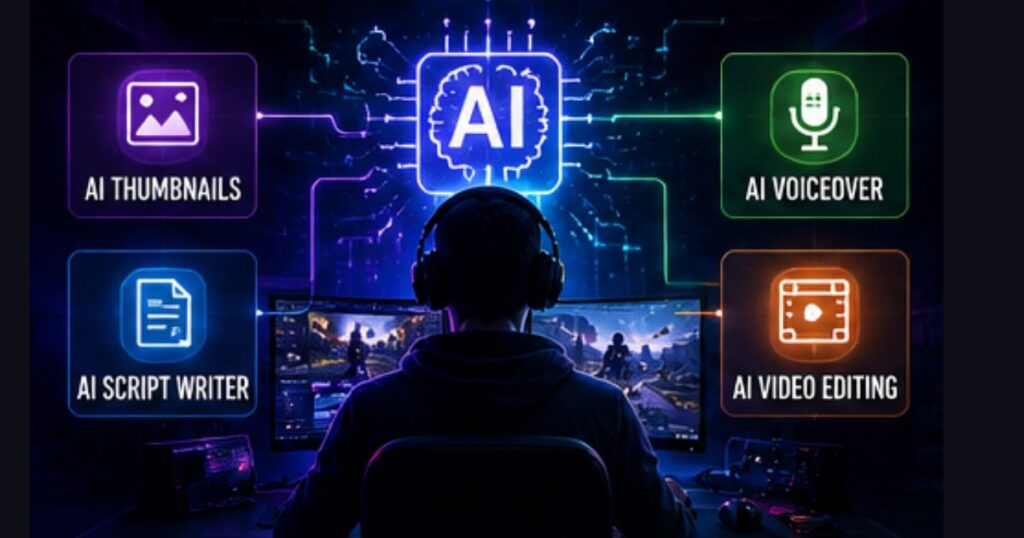
Why AI Tools Have Become Essential for Gaming Creators
Gaming content is everywhere, but so is the competition. People scroll past hundreds of videos a day, so yours needs sharp edits, catchy hooks, good captions, and thumbnails that pop. Doing everything the old-school way just doesn’t work when you’re trying to post consistently.
The best part about these tools? They handle the boring, repetitive stuff so you can focus on what actually matters your commentary, reactions, and those deep dives into mechanics or funny moments that keep viewers coming back.
Top AI Tools I Actually Use for My Workflow
1. Idea Generation & Scripting
ChatGPT, Claude, and Gemini are still my go-to’s every single week. I throw in my niche, what games I’ve been playing, and recent comments from my audience, and they spit out solid outlines fast. Gemini feels especially good with current game stuff.
I also mess with more YouTube-specific ones like vidIQ’s AI features or ytZolo for titles and hooks tailored to gaming. They understand stuff like battle royale trends or good tier list formats.
Real talk: I usually brainstorm with Claude because it feels more natural, then tweak titles and SEO bits with vidIQ. It’s a good combo.
2. Thumbnail Creation
This is one area where a lot of creators leave money on the table. Boring faces with giant arrows just blend in now.
- Pikzels AI has been killer for gaming thumbnails. It gets dramatic lighting, character poses, and those explosive effects right. The scoring system actually helps.
- Canva’s Magic Studio is super easy and has tons of gaming-friendly templates.
- Midjourney or Google’s tools for when I want something more custom and artsy.
I’ve seen my click-through rates jump noticeably after switching to better AI-generated thumbs. It’s one of the quickest wins you can get.
3. Voiceovers & Audio Cleanup
ElevenLabs is ridiculous in a good way. The voice cloning and emotional range make it perfect for intros, faceless videos, or fixing lines that didn’t record well. It can sound genuinely energetic for gaming content.
For cleaning up audio, Adobe Podcast or Gling do a great job removing keyboard clacks, fan noise, and all that background junk.
4. Video Editing & Turning Long Videos into Shorts
- CapCut is my daily driver. Free, loaded with AI captions, effects, and templates that feel built for gaming montages. The mobile-desktop sync is clutch.
- Descript lets you edit video by just editing text. Huge time-saver for reaction videos and commentary.
- Gling is excellent at cutting filler words, adding zooms, and generating captions for longer streams.
- Opus Clip shines when I want to repurpose one long gameplay session into a bunch of Shorts or Reels.
- Runway ML for fancier stuff like generating extra B-roll or effects.
- Eklipse is solid if you stream a lot—it finds highlights automatically.
Comparison Table: AI Tools for Gaming YouTubers
| Tool | Best For | Pricing (approx) | Ease of Use | Gaming Fit | Key Strength | Main Weakness |
| CapCut | Editing & Shorts | Free / Pro ~$8/mo | Excellent | High | Templates, captions, speed | Less precise for complex edits |
| Descript | Commentary & Text Editing | Starts ~$12/mo | Very Good | High | Text-based editing | Some learning curve |
| ElevenLabs | Voiceovers | Free tier / Paid | Excellent | High | Natural, emotional voices | Gets pricey with heavy use |
| Pikzels / Canva | Thumbnails | Varies | Excellent | High | Quick, gaming-aware designs | Can look generic without good prompts |
| Opus Clip | Repurposing to Shorts | Paid plans | Good | Medium-High | Auto clip finding | Sometimes misses the vibe |
| vidIQ / ytZolo | Scripts, Titles, SEO | Subscription | Good | Very High | YouTube optimization | Not as creative as raw LLMs |
| Gling | Audio cleanup & cuts | ~$30/mo | Very Good | High | Filler word removal | Not a full editor |
| Runway ML | Effects & Generation | Credit-based | Medium | Medium | Creative B-roll & visuals | Pricey and heavy on compute |
Pros and Cons – Stuff I’ve Learned the Hard Way
The good stuff:
- I’ve cut my editing time by half or more on most videos.
- Way more consistent quality even when I’m tired or not feeling creative.
- Easier to test new formats like Shorts without extra hassle.
- Better titles and descriptions actually help the algorithm notice you.
The not-so-good stuff:
- If you lean on AI too much, your videos can start feeling generic. You still need your real reactions and personality.
- Sometimes the AI does weird stuff—glitchy footage, off captions, or thumbs that look cool but don’t convert.
- Good prompting takes practice. Garbage in, garbage out.
- Costs add up if you’re uploading a lot.
- Always keep it authentic—YouTube wants real creator content.
The sweet spot for me has been letting AI handle about 70% of the grind while I focus on the fun parts.
Free vs Paid AI Tools – Are Paid Ones Worth It?
For small channels, start free and smart. CapCut’s free version, Canva’s basic AI tools, Gemini, and ElevenLabs’ limited tier will get you surprisingly far. I’ve seen creators hit a few thousand subs using almost entirely free stuff.
Once you’re consistent (maybe 1-2 videos a week and growing), paid plans usually pay off. Time saved on editing means more videos, better quality, and higher earnings. For me, vidIQ and a CapCut Pro subscription easily cover their cost through extra views. Just don’t blow money on every shiny tool—test one at a time and track results.
My Recommended Starter Stack for Most Gaming YouTubers
If you’re just getting serious, keep it simple:
- CapCut — for editing and Shorts
- Canva — for thumbnails
- Claude or ChatGPT — for ideas and scripts
- vidIQ (free tier first) — for SEO and titles
This stack is low-cost, beginner-friendly, and covers 80% of what most people need. Add ElevenLabs or Descript later when you feel the specific pain point.
Mistakes to Avoid When Using AI Tools
I’ve made a few of these myself, so learn from them:
- Overusing raw AI voices without any human touch — they can sound flat and turn viewers off fast.
- Posting generic AI thumbnails without tweaking them — they look AI-generated and get ignored.
- Relying on auto-captions without proofreading — gaming terms and slang often get messed up.
- Blindly copying trending formats without adding your spin — the algorithm favors originality.
- Ignoring disclosure rules if your content is heavily AI-generated — YouTube wants transparency on synthetic stuff.
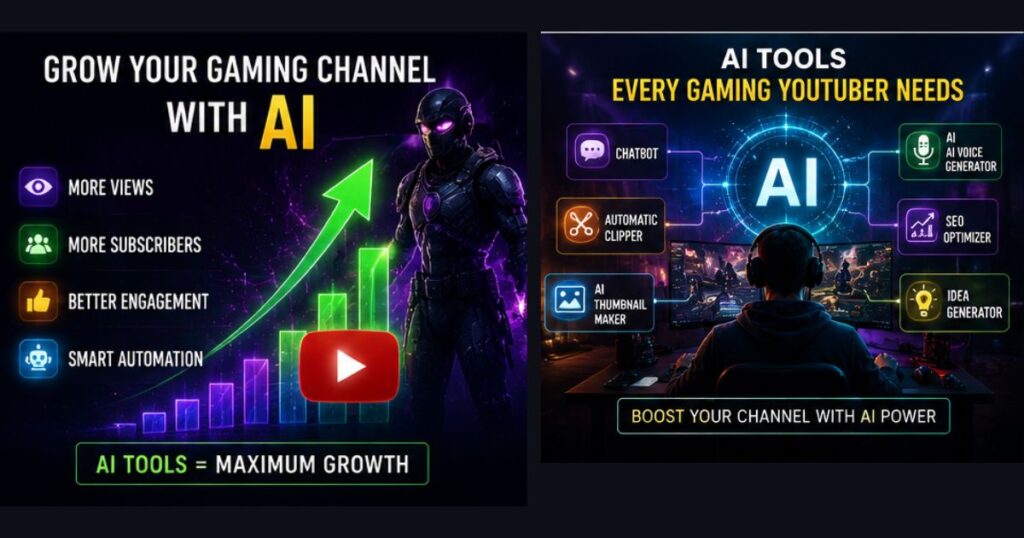
Keep your personality front and center. AI should assist, not replace you.
How I’d Start a Gaming Channel Today
If I was starting from zero in 2026, I’d focus heavily on Shorts first. Film longer gameplay sessions, let Opus Clip or CapCut pull out the funny or clutch moments, and post daily vertical clips to grow fast. Once I had some momentum and subs, I’d move into longer form videos with better production.
I’d pick one main game or niche I’m genuinely excited about, use Claude for outlines, CapCut for quick edits, and spend extra time on thumbnails and titles. Consistency beats perfection early on. The tools make it way more doable than it was a few years ago.
My Full Workflow That Keeps Me Posting Consistently
I record my session, feed some details into Claude or Gemini for an outline and ideas, record commentary, run the footage through Gling or Descript to clean it up, polish everything in CapCut, make a thumbnail in Pikzels, optimize the title and description with vidIQ, then upload.
This setup lets me comfortably drop 3-5 videos a week without losing my mind. For Shorts, Opus Clip or CapCut’s tools turn one long video into several potential hits.
FAQs About AI Tools for Gaming YouTubers
Do you need to be super technical? Nah. CapCut and Canva are pretty straightforward. Start basic and add more advanced tools as you go.
Can AI completely replace manual editing? Not if you want a channel that stands out. It’s great for the boring tasks, but your pacing, jokes, and choices are what build a loyal audience.
Worth it for smaller channels? Yeah, especially the free tiers. Once you’re consistent and growing, the paid stuff usually pays for itself in time saved and extra views.
Any copyright worries with AI stuff? Be smart about it. Use generated elements to enhance your videos rather than replace everything, and check the tool’s terms.
What should I start with? Try CapCut first for editing, or ElevenLabs if you need voiceovers. Quick results either way.
Final Verdict
These AI tools aren’t going to magically make you the next big gaming star, but they remove a ton of the friction that burns most creators out. In 2026, the YouTubers pulling ahead are the ones who work smarter, not just harder.
My advice? Pick 2-3 tools that fix your biggest headaches right now whether that’s editing time, thumbnails, or ideas. Test them for a month, track your stats, and keep what actually helps.
Gaming is still one of the best niches out there. Use these tools to free up time for what you love: playing good games and sharing your real thoughts with your audience.
What’s killing the most time for you lately editing, thumbnails, or coming up with ideas? Let me know in the comments and I’ll give you my honest recommendation.
Ai Game Storytelling

Founder of Aivexify
Himanshu Deora is an AI tools researcher and digital publisher who tests AI software, automation tools, and emerging technology trends and AI content creator passionate about sharing helpful guides, AI tools, software tutorials, and the latest digital trends. Through Aivexify, he helps readers discover smart technology, productivity tools, and practical online resources in a simple and easy-to-understand way.