
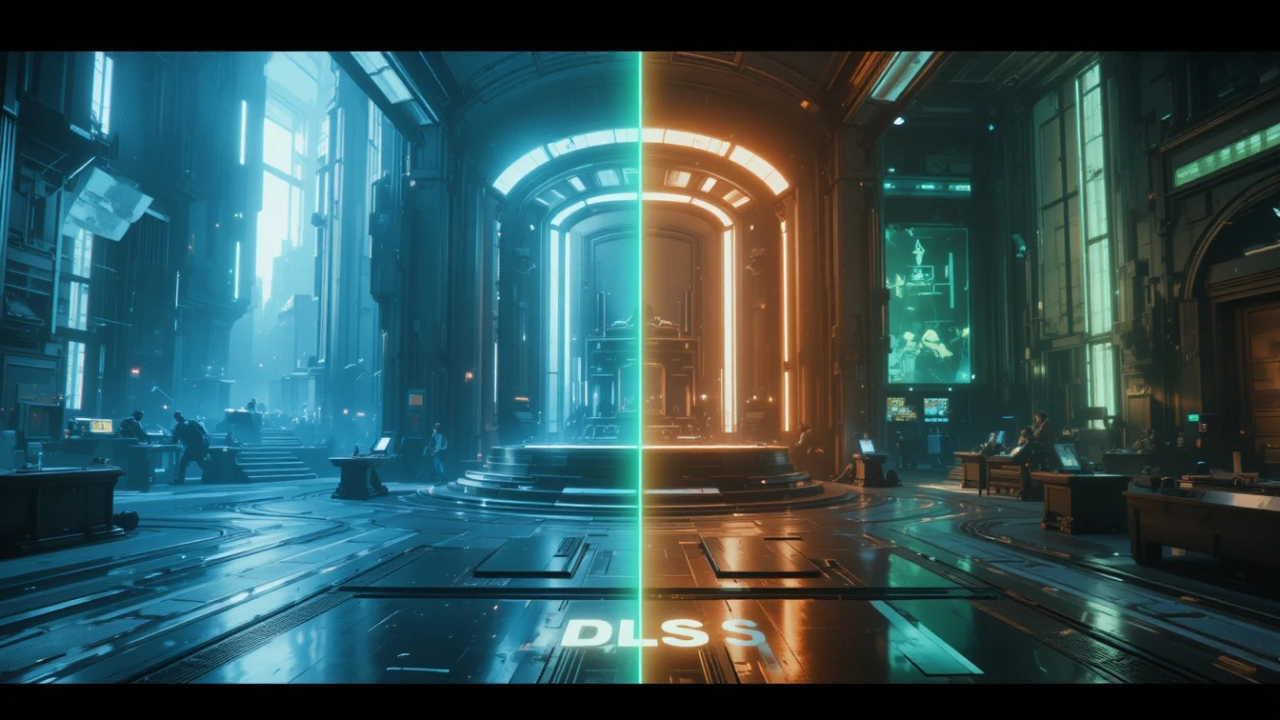
Have you ever been in the middle of an intense gaming session when suddenly your game starts lagging, stuttering, or dropping frames? If you have, you already know how frustrating that feels. One moment you are fully immersed in the action, and the next moment your screen is freezing up and ruining the entire experience.
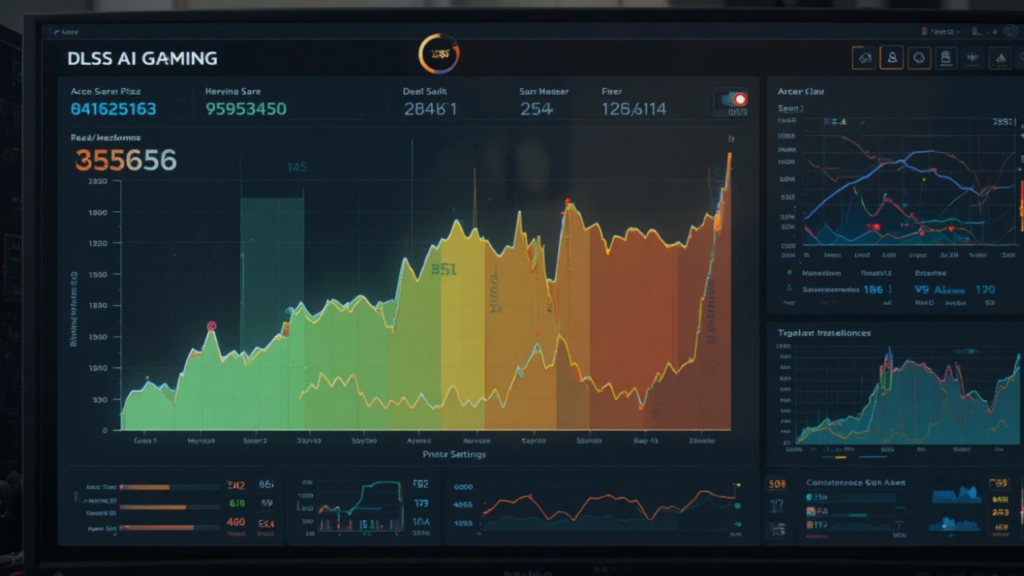
For millions of gamers around the world, this is a real problem — especially for those who want both fast gameplay AND stunning visuals. Because here is the truth: most gamers do not want to choose between the two. High FPS feels great. Beautiful graphics feel great. Having both? That is the dream.
This is exactly the problem that NVIDIA’s DLSS AI Gaming technology was designed to solve. And the way it does it is genuinely impressive.
What Is DLSS? (The Simple Explanation)
DLSS stands for Deep Learning Super Sampling. That sounds complicated, but the idea behind it is actually simple.
Think of it like this: imagine you take a blurry, low-quality photo on an old phone. Then you run it through a smart AI photo app that sharpens it, fills in the missing details, and makes it look like it was taken on a much better camera. The result looks cleaner and more detailed — even though the original photo was low quality.
DLSS does exactly this, but for video games in real time.
Here is how it works step by step:
- Your GPU renders the game at a lower resolution (which is much faster and easier to process)
- DLSS’s AI takes that lower-resolution image
- The AI reconstructs and upscales it to a higher resolution using what it has learned from millions of high-quality game frames
- The final image displayed on your screen looks sharp, clean, and detailed
The result? Your game runs significantly faster — and still looks great.
Why Does This Actually Matter for Gamers?
Let’s talk about FPS (frames per second) for a moment, because this is where DLSS makes a huge real-world difference.
- 30 FPS — Playable, but feels sluggish. Common on weaker hardware.
- 60 FPS — The standard for smooth gameplay that most gamers aim for.
- 120+ FPS — Buttery smooth. Competitive gamers love this.
Without DLSS, running a demanding game at high settings on 1440p or 4K resolution can easily drop your FPS below 60 — even on a powerful GPU. With DLSS enabled, many users report doubling or even tripling their frame rates while maintaining visual quality that is nearly identical to native resolution.
For example:
- A game running at 45 FPS at native 4K might jump to 90+ FPS with DLSS Quality mode enabled
- A game struggling at 30 FPS could become a smooth 70+ FPS experience
That is not a small upgrade. That is a completely different gaming experience.
The Three DLSS Modes Explained
DLSS gives you control over how aggressive the upscaling is. There are typically three main modes:
Quality Mode
- Renders at roughly 67% of the target resolution
- Upscales to full resolution
- Best visual quality with good performance boost
- Hard to tell the difference from native on most screens
Balanced Mode
- Sits between Quality and Performance
- Good mix of visual fidelity and speed
- Great for mid-range GPUs
Performance Mode
- Renders at 50% of the target resolution
- Biggest FPS gains
- Some visual quality trade-off, but still very playable
- Ideal when you need maximum frame rates (competitive gaming, VR)
Most casual gamers will be happiest with Quality mode — you get a major performance boost without sacrificing much visual quality.
DLSS vs Native Resolution: Can You Really Tell the Difference?
This is one of the most common questions people ask — and the honest answer is: most of the time, no.
DLSS has gone through several generations of improvement. The latest version (DLSS 3 and beyond) uses an AI model trained on thousands of hours of high-quality game footage. It has learned what game graphics are supposed to look like — edges, textures, lighting effects, motion — and it uses that knowledge to reconstruct images that are remarkably close to native quality.
In blind tests, many experienced gamers struggle to identify which image used DLSS and which was rendered natively. That is how good modern DLSS has become.
Where you might notice a small difference is in very fast motion or in games with lots of fine detail like grass or hair. But in the vast majority of gaming scenarios, DLSS delivers a result that is genuinely impressive.
Which Games Support DLSS?
DLSS is widely supported across hundreds of popular titles. Some well-known examples include:
- Cyberpunk 2077 — One of the most demanding games ever made, DLSS is almost essential for smooth performance
- Microsoft Flight Simulator — Huge performance gains on this hardware-intensive title
- Call of Duty series — Popular for competitive players wanting high FPS
- Fortnite — Great for players who want smooth 120+ FPS gameplay
- Red Dead Redemption 2 — Beautiful open world game where DLSS helps maintain performance
- The Witcher 3 (Next-Gen Update) — DLSS support added alongside ray tracing
The list grows regularly as more developers integrate DLSS into their games. You can check NVIDIA’s official website for the full updated list of supported titles.
Do You Need a Special GPU for DLSS?
Yes — DLSS is exclusive to NVIDIA RTX graphics cards. It requires the dedicated Tensor Cores found in RTX GPUs to run the AI processing in real time.
Here are the GPUs that support DLSS:
- RTX 20 series (2060, 2070, 2080) — Original DLSS support
- RTX 30 series (3060, 3070, 3080, 3090) — DLSS 2 with major improvements
- RTX 40 series (4070, 4080, 4090) — DLSS 3 with Frame Generation
If you have an older NVIDIA card (GTX series) or an AMD GPU, DLSS is not available for you. However, AMD has its own competing technology called FSR (FidelityFX Super Resolution), and Intel has XeSS. We will cover those in a separate article.
DLSS Frame Generation: The Next Level
With the RTX 40 series, NVIDIA introduced DLSS 3 Frame Generation — and this takes things even further.
Instead of just upscaling existing frames, Frame Generation actually creates entirely new frames using AI. The AI analyzes the motion between two real frames and generates an additional frame in between.
The result? Frame rates that can increase by 2x or more on top of the standard DLSS boost. Games that might run at 60 FPS with standard DLSS can hit 120+ FPS with Frame Generation enabled.
This is particularly valuable for:
- Ray tracing workloads (which are extremely demanding)
- Open world games with complex scenes
- High-refresh-rate monitor users (144Hz, 165Hz, 240Hz)
Is DLSS Worth Using?
For any gamer with a compatible NVIDIA RTX GPU, the answer is almost always yes.
The performance gains are real and significant. The visual quality trade-off is minimal in most cases. And the technology continues to improve with each new generation.
If your game supports it and your GPU is compatible, there is very little reason not to enable it. You get more FPS, smoother gameplay, and visuals that still look great — which is exactly what every gamer wants.
The best part is that you do not need to upgrade your hardware. You just enable a setting, and your existing GPU suddenly performs as if it were more powerful. That is genuinely remarkable technology. After testing DLSS Quality mode in Cyberpunk 2077 on an RTX 4070, I saw frame rates jump from around 55 FPS to over 100 FPS while maintaining excellent image quality.
Final Thoughts
Gaming has always been about one thing: the experience. When your game runs smoothly and looks beautiful, everything else fades away and you are just in the moment, fully immersed.
DLSS exists to protect that experience. It is not a compromise or a shortcut — it is a genuine technological achievement that uses AI to give you better performance without sacrificing the visuals you care about.
For gamers who have ever watched their FPS drop in a critical moment and felt that surge of frustration, DLSS is worth understanding. It might be the upgrade you didn’t know you needed — without buying any new hardware.
Have questions about DLSS or want to know if your GPU supports it? Drop a comment below — we would love to help.
Best Ai Game Assistant Apps in 2026

Founder of Aivexify
Himanshu Deora is an AI tools researcher and digital publisher who tests AI software, automation tools, and emerging technology trends and AI content creator passionate about sharing helpful guides, AI tools, software tutorials, and the latest digital trends. Through Aivexify, he helps readers discover smart technology, productivity tools, and practical online resources in a simple and easy-to-understand way.